How DomainHawk Works
Start monitoring all your digital properties in less than 3 minutes. No technical expertise required.

Create Account
Sign up for a DomainHawk account for absolutely FREE. No credit card required to get started. Create your personal account or set up a team for your organization.
Add Domains & Websites
Add the domains and websites you want to monitor. Simply enter the URL and DomainHawk will automatically start tracking health, uptime, SSL certificates, and more.
Get Alerts
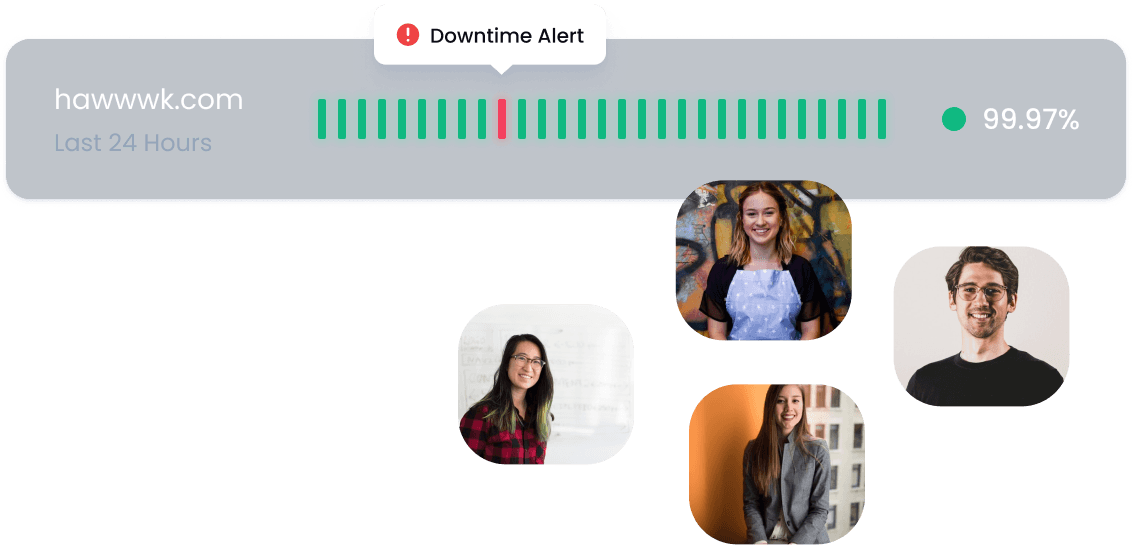
Receive instant notifications via email, Slack, or SMS when something changes. Know immediately when your website goes down, domain expires, or tags go missing.
Quick & Easy Setup
Getting started with DomainHawk takes less than a minute. Sign up with your email, verify your account, and you're ready to go. No complicated onboarding process or technical configuration required.
- ✓Sign up with email or social login
- ✓Invite team members to collaborate on monitoring
- ✓Free tier available to test all features
Add Your Properties
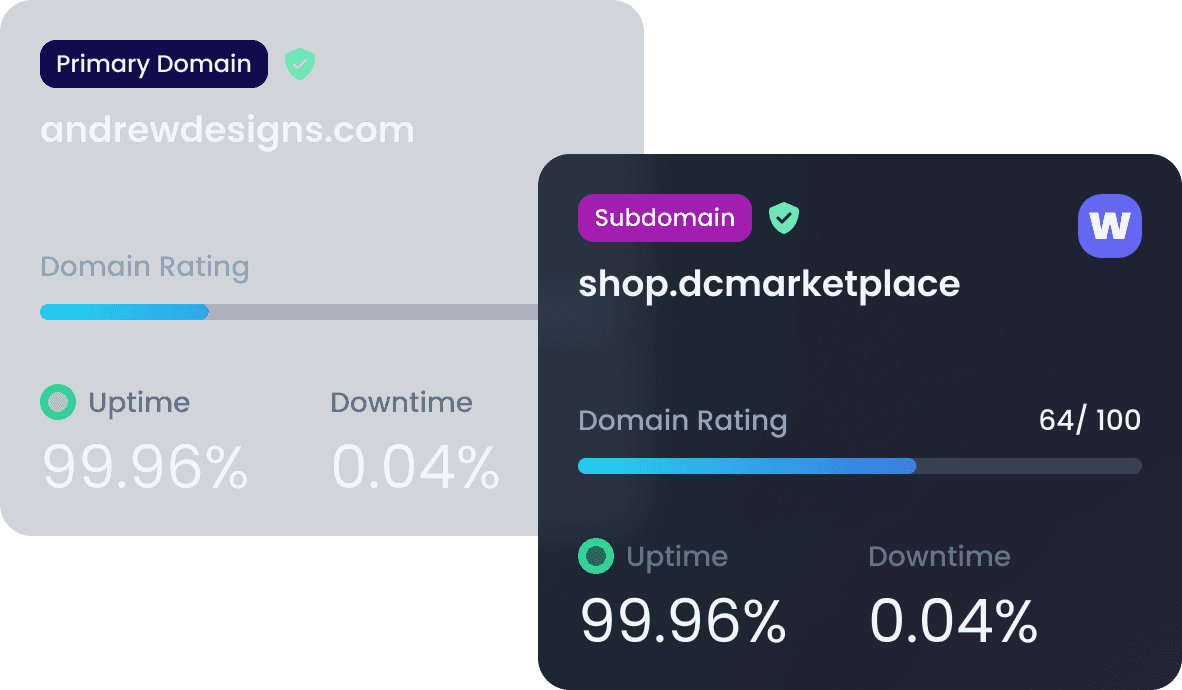
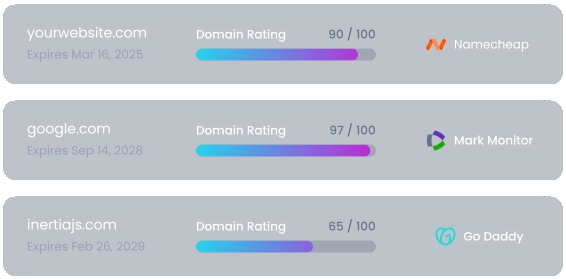
Add domains and websites in seconds. Just paste the URL and DomainHawk automatically detects what to monitor. Track domain registration, DNS settings, SSL certificates, uptime, and marketing tags.
- ✓Automatic detection of monitoring needs
- ✓Bulk import from CSV or spreadsheet
- ✓Organize with tags and categories
Stay Informed, Always
Configure alerts exactly how you want them. Choose notification channels, set escalation rules, and route alerts to the right team members. Never miss a critical issue again.
- ✓Email, Slack, and SMS notifications
- ✓Customizable alert thresholds and schedules
- ✓Team-based routing and escalations
Ready to Get Started?
Join thousands of marketing teams already using DomainHawk to protect their digital assets.